Multifunctional Discord Bot

Advanced all-in-one Discord bot for moderation, automation, server management, and community engagement.

Built for your server

Powerful tools, simple to use.

Moderation

Moderation

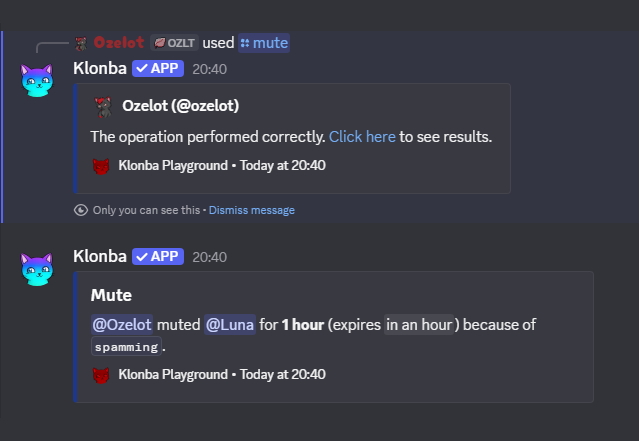
Keep your server safe, organized, and under control with built-in moderation tools such as warns, mutes, and bans. Set custom durations, notify users automatically through DMs, and enforce your server rules with ease. A built-in spam & scam detection system automatically stops compromised accounts from mass-sending malicious messages across your channels.

/warn/ban/mute/clear/lock/broadcastSpam & scam detection
Punishment appeals

Punishment appeals

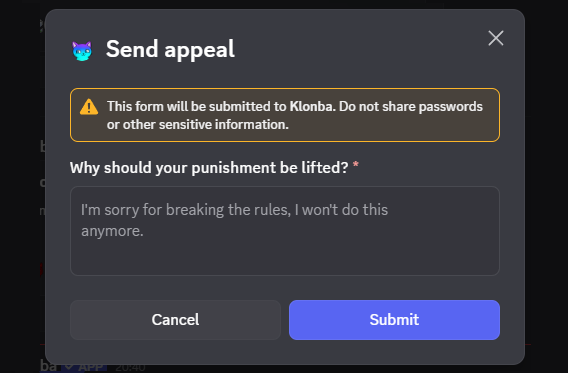
Enable the Appeal system to allow muted or banned users to appeal their punishment. When a user submits an appeal, moderators can review it and either accept it to automatically revoke the punishment or reject it.

Punishment appealSend appealApproveDecline
Social media notifications

Social media notifications

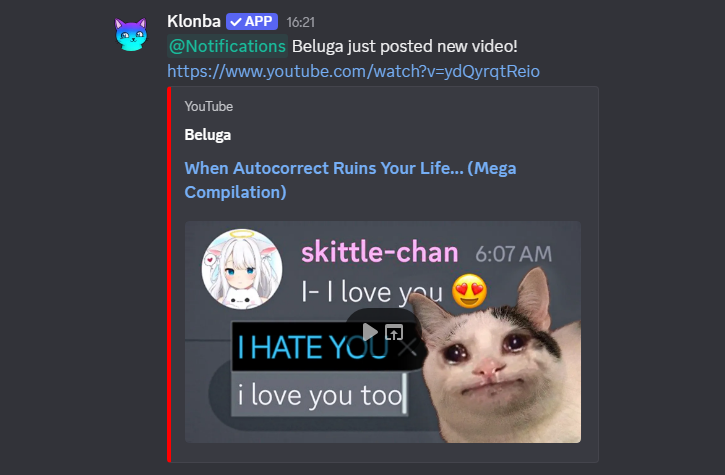
Set up alerts for new videos from your favorite YouTube channels and new posts from chosen Mastodon and Bluesky accounts. You can also configure notifications for blogs and other websites that provide an RSS Feed by simply entering the custom URL. Up to 8 accounts for each platform type.

YouTubeMastodonBlueskyRSS
Free games alerts

Free games alerts

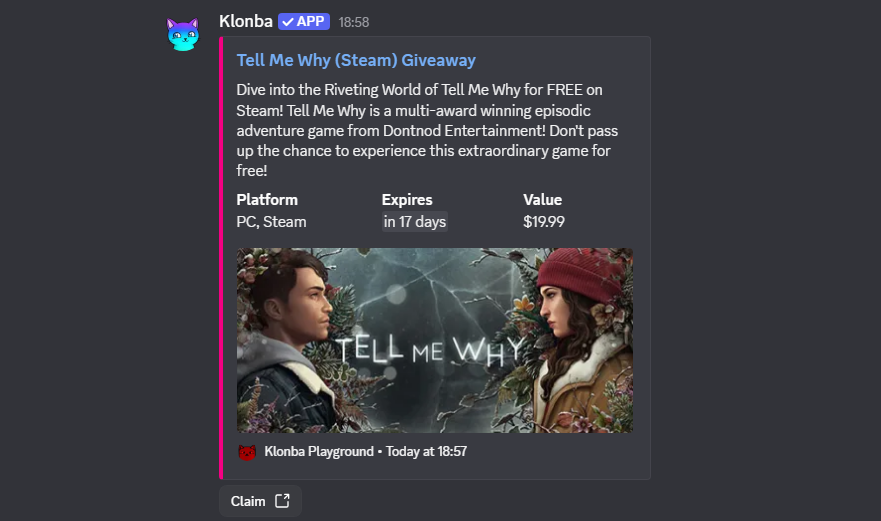
Enable game giveaway alerts and never miss free games, keys, or DLCs again. Claim freebies in just a few clicks using direct links. We monitor deals from multiple platforms and stores for you.

SteamEpic Games Storeitch.ioGOGIndieGalaStoveHumble BundleFanatical
Reaction role

Reaction role

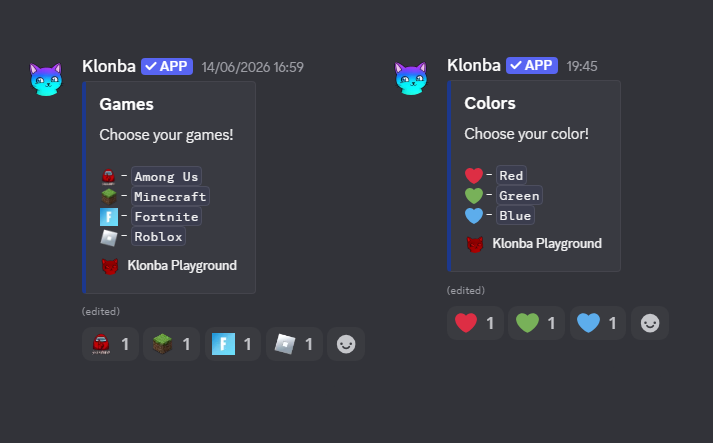
Allow your members to assign roles to themselves by adding reactions. You can configure up to 10 different reaction role messages, each supporting up to 20 roles - the maximum allowed by Discord.

Ticket system

Ticket system

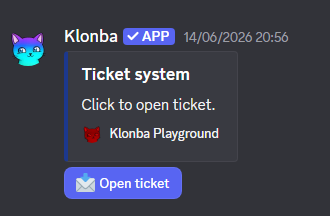
Allow members to open support tickets to contact the moderation team and discuss their issues privately. You can also disable self-created tickets entirely, allowing only moderators to open tickets for users. After a ticket is closed, its contents remain accessible to the moderation team for future reference.

Giveaways

Giveaways

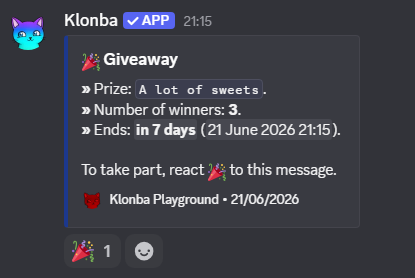
Host giveaways directly on your server and automatically pick fair winners when they end. Set entry requirements, durations and prize details. Everything is handled automatically to keep your events simple, and organized.

Starboard

Starboard

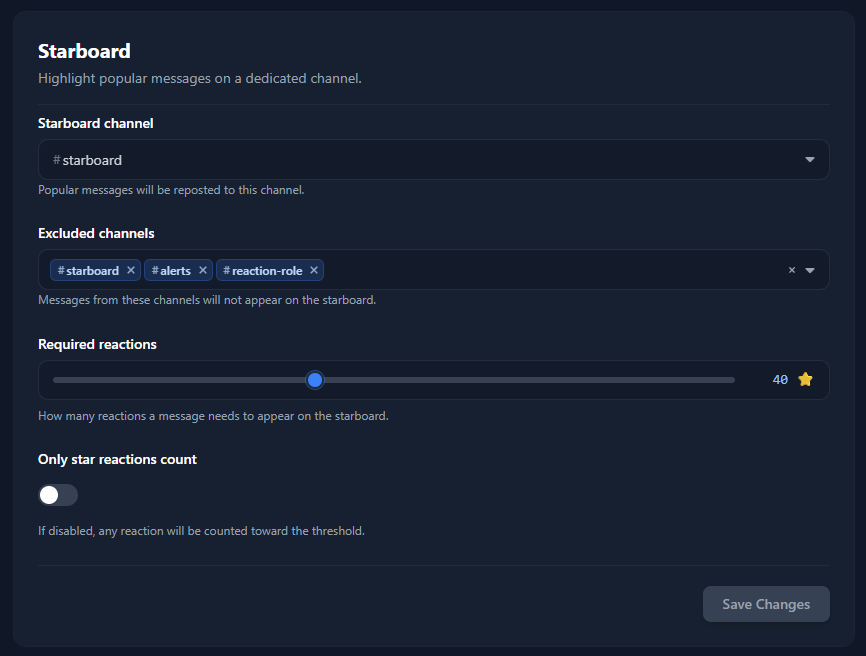
Highlight the best and most popular messages on your server with a customizable starboard system. Automatically repost messages that reach a selected number of reactions and showcase memorable moments in a dedicated channel.

Social & Points

Social & Points

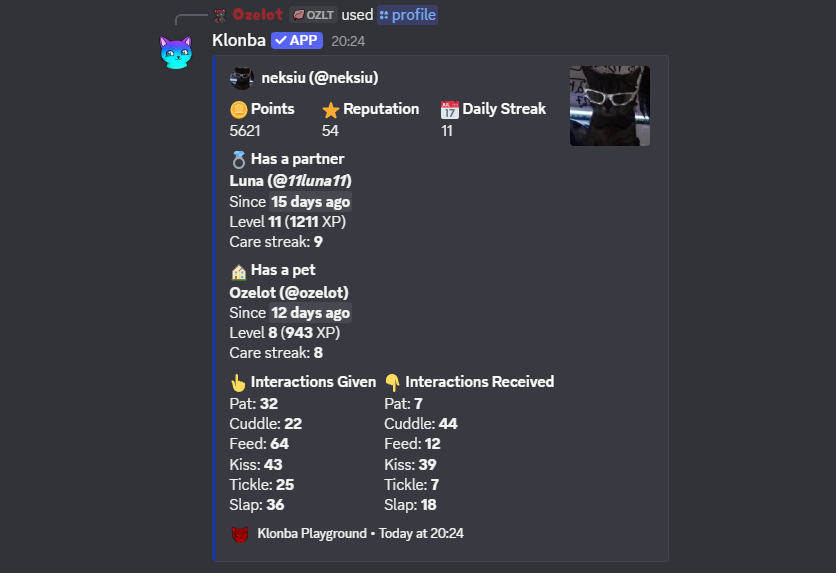
Grow your community with a rich social system built around points, relationships, and progression. Earn coins through daily rewards, try your luck with roulette, commit crimes, or simply go fishing. Marry another user or adopt them as your pet - both partnerships level up over time and appear on the server leaderboard. For a detailed look at every social feature, visit the Social page.

PointsReputationMarryPetsLeaderboardRoulette
Many useful utilities

Many useful utilities

A wide range of useful utilities designed to make your server more interactive, automated, and fun to use. Explore many different commands, all of which can be found in the Commands page.

Message logsAuto rolePersonalized welcome messagesPersonalized DM welcome messageAuto reaction channelsOnly images channelsPermanent threadsSticked messagesRandom nicknamesSticker stealerEmoji stealerMeme generatorAnimal picsAnime picsAvatar filters

Frequently asked questions

Everything you need to know.

Is Klonba free?
Yes, Klonba is completely free to use. Every feature listed here is available for free - no premium tiers or paywalls. You no longer need to pay popular bots just to access basic Discord features.
How do I add the bot?
Click the Invite -> Invite to server button at the top or bottom of the page and authorize the bot for your server. If you wand to use Klonba commands everywhere - including DMs and servers without Klonba, just click Invite -> Add locally.
Can I customize Klonba?
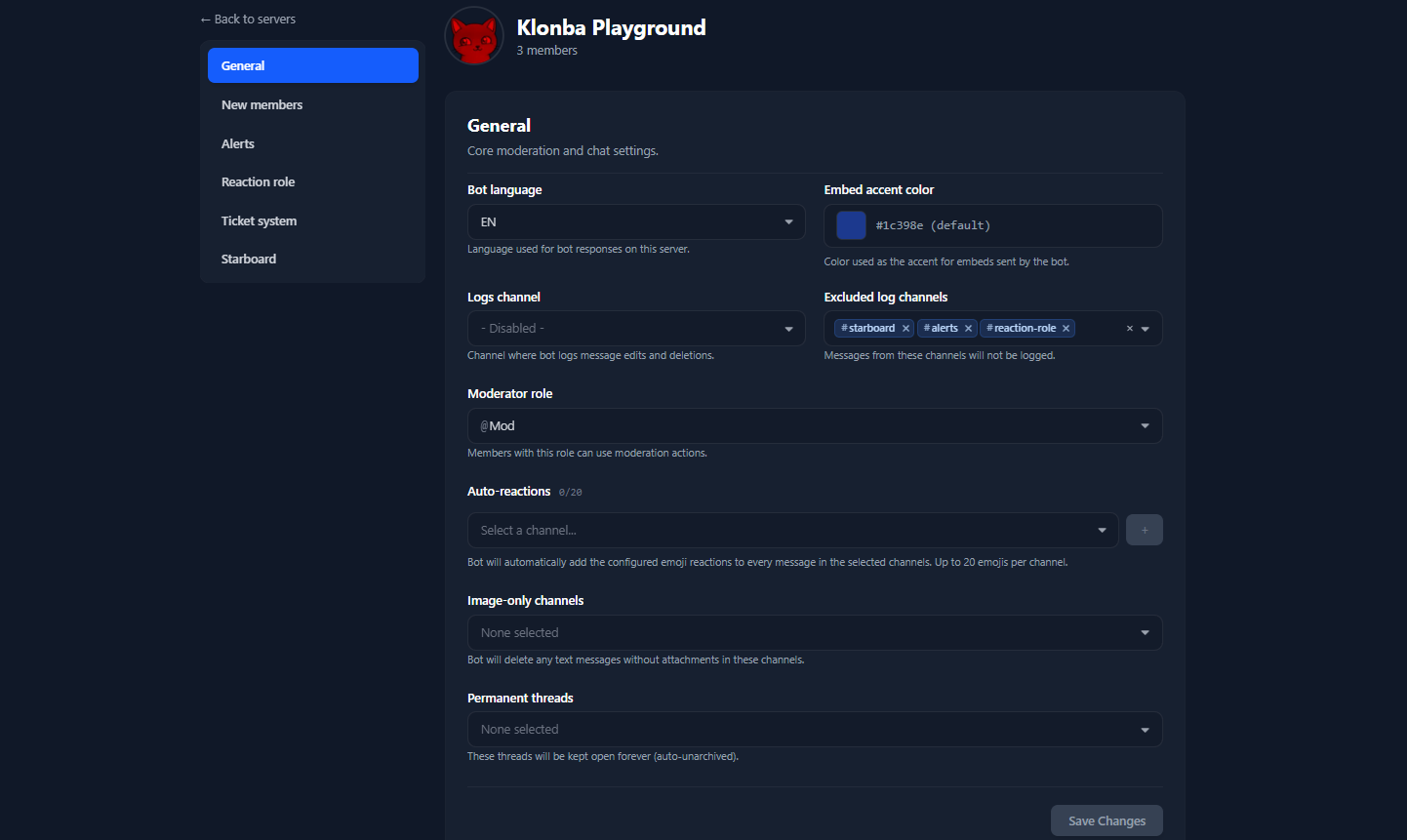
Yes, Klonba includes a powerful web Dashboard where you can customize your server settings and configure all features to match your needs.
Can I change the default command permissions?
Yes, Discord allows server administrators to change the default permissions for every command of every bot. To do this, open your Discord client, select your server, and go to server settings. Then navigate to Integrations and select Klonba under Bots and Apps. You will see a list of all commands there. Click any command to configure which roles can use it and in which channels. If you want to disable a command completely, simply remove the permission from everyone (@everyone).
Where can I get support?
Feel free to join our Support server - the link is in the navigation bar at the top of the page. Describe your problem and wait for someone to help you resolve it.

Ready to upgrade your Discord?

Invite Klonba to your server in seconds and start exploring its features, or add it locally to your account to use commands everywhere - including DMs and servers where Klonba is not installed.

© 2026 klonba.vip

Loading...